
Weekly Bookmark Digest: AI Email Reminders So You Actually Read What You Save
 Pedro Martins
On this page
Be honest with yourself for a second. How many articles are sitting in your "Read Later" pile right now?
If you're anything like me, the number is embarrassing. I've got bookmarks from 2019 that I swore I'd get to "this weekend." Spoiler: I never did.
One Pocket user put it perfectly on Reddit: they use read-later apps "almost daily" for "articles I want to save to read later even though I fully know I never will." Brutal honesty. We've all been there.
Here's the thing—Pocket just shut down. After 18 years of helping us procrastinate more efficiently, it's gone. And all those carefully curated "read later" lists? Still unread. The tool changed, but the behavior didn't.
So what actually works? Not another app with a fancy "save" button. What works is something that actively reminds you what you saved and why it mattered.
1. Why We Save Things We Never Read
Let's talk about the psychology here, because it's kind of fascinating (and a little depressing).
Saving a bookmark feels productive. You found something valuable! You're going to learn from it! The dopamine hits. One click, done. Back to scrolling.
Reading that bookmark? That requires actual commitment. Ten minutes minimum. Probably more. Your brain has to switch contexts, engage with new information, maybe take notes. That's work.
So the save pile grows. And grows. And eventually, opening your bookmarks feels like opening a closet stuffed with clothes you never wear. The guilt kicks in. You close the tab and pretend it doesn't exist.
Here's a rough stat that'll make you feel better (or worse): the average read-later list grows about 10x faster than it shrinks. You're not uniquely bad at this. The system is broken.
The uncomfortable truth? Most bookmark apps are designed to make saving easy. Nobody's designed one to make reading easy. Until now.
2. What's Wrong With Existing Solutions
I've tried everything. Seriously. Let me save you some time.
Mailbrew and Similar Digest Apps
These are actually pretty good—if you want to pay $10/month for yet another subscription. The catch? They pull from RSS feeds and sources you configure. Not from stuff you've already saved.
You have to manually set up feeds. Decide what sources matter. Maintain the whole thing. It's a job.
Pocket (RIP)
Pocket had recommendations, but they were algorithm-driven. Translation: advertiser interests mixed with "what's trending." Not "what did YOU save that YOU should actually read."
Also, it's dead now. So there's that.
Raindrop.io
Love Raindrop for organization. Beautiful app. But there's no digest feature at all. Your bookmarks just... sit there. Waiting. Judging you silently.
Inoreader
RSS-focused, not bookmark-focused. If you're already managing RSS feeds, sure. But most people aren't, and the setup friction is real.
3. How the Bookmarkjar Digest Works
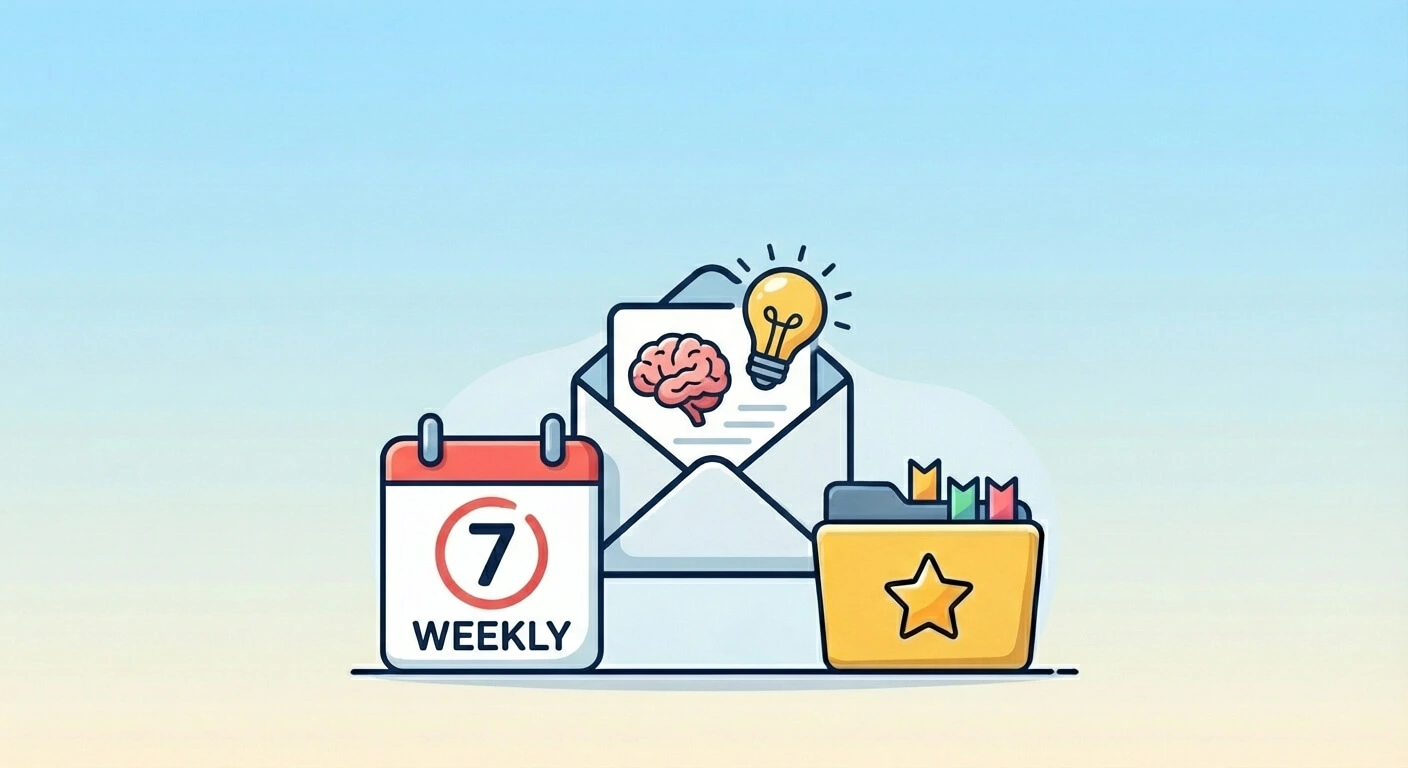
Okay, so here's what we built. Every week (or whatever schedule you pick), you get an email. But it's not just a list of links you saved. That would be useless—you already know you saved them.
Instead, the email has three parts:
The AI Summary
This is the part that actually surprised me when we shipped it. Our AI reads through everything you saved that week and writes you a personalized summary. Not generic "you saved 23 links" stuff. Actual observations.
Something like: "Big week for React content—looks like you're deep in a refactor. Also grabbed some recipes, which tracks since you mentioned meal prepping on Twitter."
It's weirdly accurate. Sometimes uncomfortably so.
Your Saving Stats
Numbers that help you understand your own habits:
- Total bookmarks this week
- Your top source (e.g., "Most saved from: GitHub with 12 links")
- Busiest saving day
I found out I save 70% of my bookmarks on Monday mornings. Apparently that's when I'm most optimistic about "getting to things later."
The Highlights
3-5 specific bookmarks the AI thinks are worth calling out. Maybe it's the longest article you saved (implying it's substantial). Maybe it's something that matches a topic you've been saving a lot lately.
The goal isn't to list everything. It's to give you a starting point. "Here, read these three things over coffee Sunday morning."
4. What's Coming (And What's Not Here Yet)
I want to be straight with you about what's live versus what we're still building.
Live right now:
- Weekly email digest
- AI-generated summary and highlights
- Saving stats (top domain, busiest day, total count)
- Customizable schedule
Coming soon:
(Coming Soon) Forgotten Gems — This is the feature I'm most excited about. The AI will dig through your older bookmarks (30+ days) and surface stuff you saved but never opened. Weighted by quality, not random. Think of it like "On This Day" but for your reading list.
(Coming Soon) Category Trends — Week-over-week comparison. Are you saving more design content than last week? Less news? The arrows tell you at a glance.
We're shipping these to Pro users first. Follow the changelog if you want to know when they drop.
5. The Psychology of Why This Works
There's actual research behind why digests help where "save and forget" doesn't.
Spaced Repetition (But for Content)
You've probably heard of spaced repetition for learning—seeing information at increasing intervals helps it stick. Turns out the same principle applies to content you want to read.
When a bookmark title shows up in your email a week after you saved it, something clicks: "Oh right, I wanted to read that." The reminder re-triggers the original intent.
Decision Fatigue is Real
Your library has 3,000 items. Where do you even start? That paralysis is why you don't start at all.
A digest pre-selects 5 things for you. The decision is made. You just have to read.
Guilt → Curiosity
Old framing: "I have 500 unread articles and I'm a failure."
New framing: "Here are 3 interesting things from my past self. What was I thinking about back then?"
It's a small mental shift, but it matters. Your collection becomes something to explore, not something to dread.
6. Comparison: Digest Tools
| What You Get | Mailbrew | Inoreader | Pocket (was) | Raindrop | Bookmarkjar |
|---|---|---|---|---|---|
| Weekly Email | ✅ | ✅ | Sorta | ❌ | ✅ |
| Based on YOUR Saves | ❌ (RSS) | ❌ (RSS) | ⚠️ + Ads | N/A | ✅ |
| AI Summary | ❌ | ✅ (new) | ❌ | ❌ | ✅ |
| Forgotten Gems | ❌ | ❌ | ❌ | ❌ | 🚧 Soon |
| Extra Cost | $10/mo | $7/mo add-on | Free (dead) | N/A | Included |
| Setup Work | High | High | None | N/A | None |
Quick note: Inoreader added AI summaries to their digests in 2025—credit where it's due. But it's still RSS-based, meaning you have to manually subscribe to feeds. It won't pull from stuff you've already bookmarked.
The main difference: other tools send you content from sources. We send you content from your own saves. Big difference.
7. Setting It Up (Takes 30 Seconds)
Assuming you've already got bookmarks in Bookmarkjar:
- Go to More → Digests in the sidebar
- Toggle the digest switch on in the settings card at the top
- Pick your frequency (weekly, monthly, etc.)
- Pick your preferred time
- Done
The default is weekly on Monday—but I like setting mine for Sunday evening so I have something to read with Monday morning coffee.
Quick Tip
Sunday evening or Monday morning works best for most people. Avoid Friday—you won't read it. Avoid mid-week—you're too busy.
Past digests are listed right below the settings, so you can always go back and read previous summaries if you missed one.
8. What This Actually Looks Like In Practice
Let me paint a picture.
It's Sunday, 9am. You're on the couch with coffee. Your phone buzzes—weekly digest from Bookmarkjar.
You skim the summary: "Productive week. Heavy on TypeScript content, a few design articles, and that sourdough recipe you've been meaning to try."
The highlights section shows:
- A deep-dive on React Server Components you saved Tuesday
- An article about salary negotiation (saved 3 weeks ago, never opened)
- That sourdough recipe
You tap the React article. Read it in 10 minutes. Actually understand Server Components now. Close the email feeling like you accomplished something.
That's it. No guilt spiral. No staring at 3,000 unread bookmarks. Just a curated starting point and 10 minutes of actual reading.
The goal isn't to read everything. The goal is to read something. Consistently. The digest makes that easy.
Frequently Asked Questions
What is the best Pocket alternative in 2026?
With Pocket shutting down, Bookmarkjar is designed as a full replacement. Unlike Pocket, it includes AI-powered summaries, automatic organization, and weekly digests based on YOUR saves—not algorithmic recommendations mixed with ads.
How do I get reminders for saved articles?
Enable the weekly digest in Bookmarkjar. You'll receive an email summarizing what you saved, highlighting items worth reading, and (coming soon) resurfacing forgotten bookmarks you never opened. No more "save and forget."
When does the digest get sent?
Default is weekly on Monday at 9am in your timezone. You can change the frequency and time in the Digests page settings.
Can I change the frequency?
Yep. You can choose weekly (default), monthly, every 2 months, or quarterly. Just change it in the Digests page settings card.
Why do I save articles but never read them?
It's a psychological quirk: saving feels productive (1 second, dopamine hit), but reading requires commitment (10+ minutes, context switching). The average read-later list grows 10x faster than it shrinks. Digests help by pre-selecting what to read and reducing decision fatigue.
What if I don't save anything that period?
If you didn't save any bookmarks during the digest period, we skip sending an empty email. You'll get your next one when there's actually something to summarize.
Is there an app that reminds you to read saved articles?
Yes. Bookmarkjar sends weekly digest emails with AI-curated highlights from your saves. Unlike RSS readers, it works with content YOU bookmarked—not feeds you subscribe to. Coming soon: "Forgotten Gems" that resurface old unread bookmarks.
Is the AI summary thing creepy?
Honestly, a little? It's sometimes weirdly accurate about patterns you didn't notice yourself. But it only sees your bookmark titles and tags—not the actual content of pages. And everything stays in your account, obviously.
Wrapping Up
Look, I'm not going to pretend a weekly email will magically make you read everything you save. It won't. Nothing will.
But here's what it does do: it gives you a fighting chance. A regular nudge. A curated starting point. A way to actually engage with the stuff you thought was worth saving.
Most bookmark tools are built for collecting. Bookmarkjar is built for using.
Your digest is waiting. Turn it on and see what you've been missing—literally.